What is Affinity?
Affinity is now a unified creative application offered by Canva, bringing together vector design, photo editing, and layout capabilities within a single environment.
Historically known as an alternative suite to Adobe tools (Designer, Photo, Publisher), Affinity has evolved into a centralized platform designed to cover the full range of advanced graphic production needs, for both digital and print.
Unlike UX/UI-oriented collaborative tools such as Figma, Affinity is primarily a precision-driven production tool, built for designers who require fine typographic control, advanced layout capabilities, and professional print constraints.
Affinity becomes a reference solution as soon as design goes beyond interfaces and enters the realm of demanding graphic design and print production.
Key features
Graphic design and complex mockups
- Advanced vector tools for logos, illustrations, icons, and detailed visuals
- Fine control over layers, masks, effects, styles, and graphic constraints
- Creation of complex, highly detailed mockups that are difficult to achieve in UX/UI-focused tools
Print and professional layout
- Design of brochures, white papers, reports, institutional and commercial materials
- Advanced management of grids, columns, text styles, pagination, and typographic hierarchies
- Support for color profiles, bleed, margins, and professional printing constraints
Digital asset production
- Precise export to SVG, PNG, JPG, and WebP
- Control over resolutions, densities, and color profiles
- Production of optimized assets for the web, interfaces, and marketing materials
Unified suite and performance
- Vector, photo, and layout workflows unified within a single application
- Excellent stability when handling large and complex files
- High performance, even on demanding graphic projects
Who is it for, and in which contexts?
Affinity is particularly well suited for:
- designers and studios producing professional print materials
- creative teams working on complex or highly detailed mockups
- organizations looking for an Adobe-like alternative without a subscription
It is less relevant for:
- workflows that require advanced real-time collaboration
- collaborative UX/UI discovery phases, where Figma remains more appropriate
Affinity becomes especially relevant when Figma reaches its limits—particularly in terms of graphic precision, advanced typography, and print layout.
Affinity pricing (in euros)
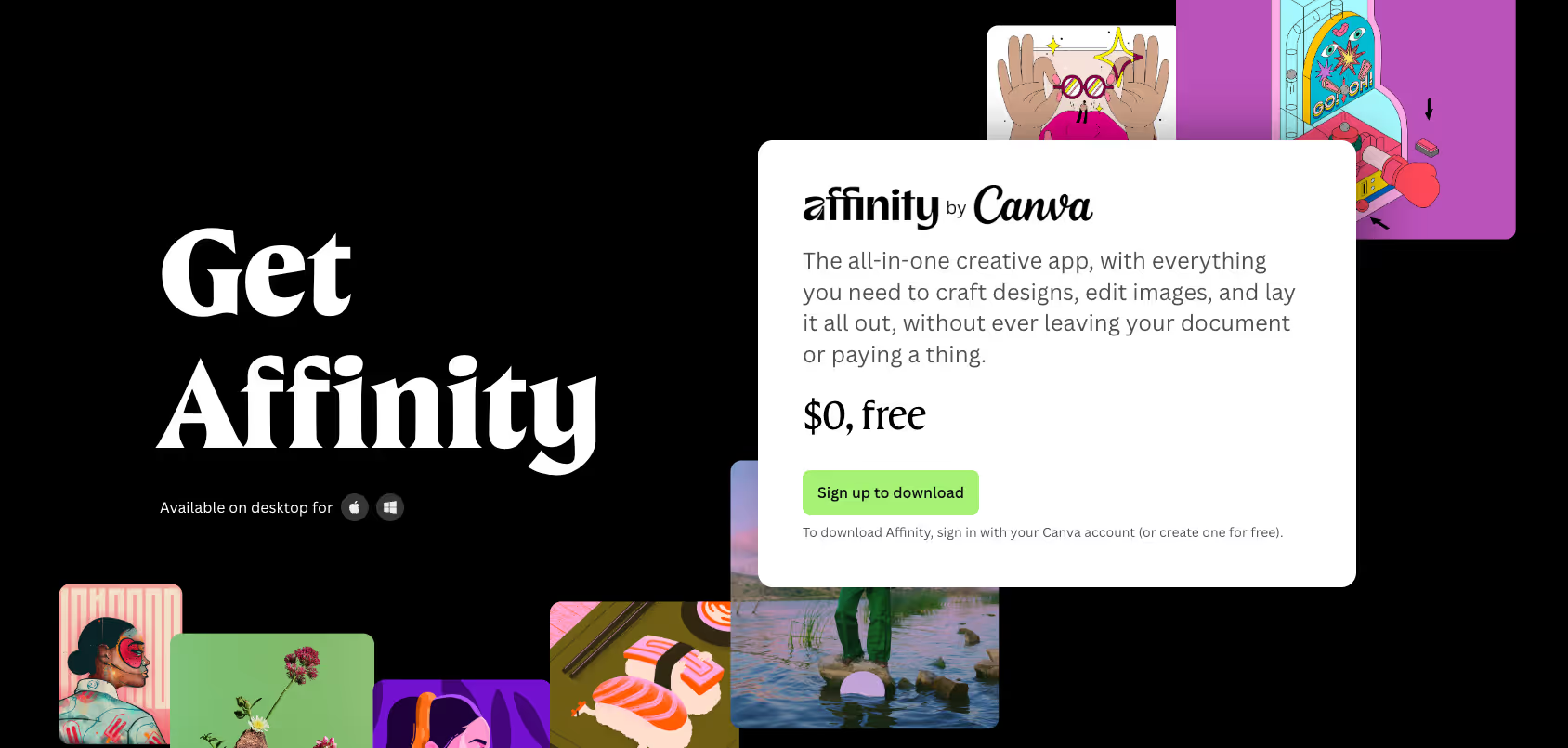
The new version of Affinity is free.
- Free access to the unified creative application
- No subscription required for graphic design, photo editing, or layout features
- Authorized for both personal and professional use
Some AI-assisted features may be tied to specific Canva offerings (e.g. Canva Pro), but the core creative tools remain freely accessible.
Affinity is currently one of the only professional graphic design solutions that is free, covering vector design, photo editing, and print layout.
We-R agency opinion on Affinity
Affinity is now an extremely relevant creative suite, especially since its transition to a free and unified model.
It stands as a credible alternative to Adobe for advanced graphic design, complex mockups, and, above all, print—areas where Figma is simply not designed to operate.
We strongly recommend Affinity: it delivers a level of power and precision comparable to Adobe tools, without the high cost or subscription model, making it a highly rational choice for teams and agencies looking to control software costs without compromising on quality.
When a project requires a high level of graphic precision, typographic control, or professional layout, Affinity becomes a natural complement to Figma, and in some cases, a more suitable option depending on the use case.
Alternatives and similar tools to Affinity
- Adobe Creative Cloud : The industry standard for professional design—extremely comprehensive, but based on a costly subscription model.
- CorelDRAW : A long-standing solution still used in certain print and signage industries.
- Mainstream graphic tools (Canva, etc.) : Useful for simple needs, but insufficient for demanding graphic design and professional print workflows.