Your marketing site, from strategy to online launch.
Integration & Migration: Webflow development à la carte
Positioning, identity, Brandbook. To align your brand before the site.
CRO, SEO, A/B testing on an ongoing basis. To make your site evolve.
Articles about Webflow, tool sheets, webdesign and SEO to better understand today's web.
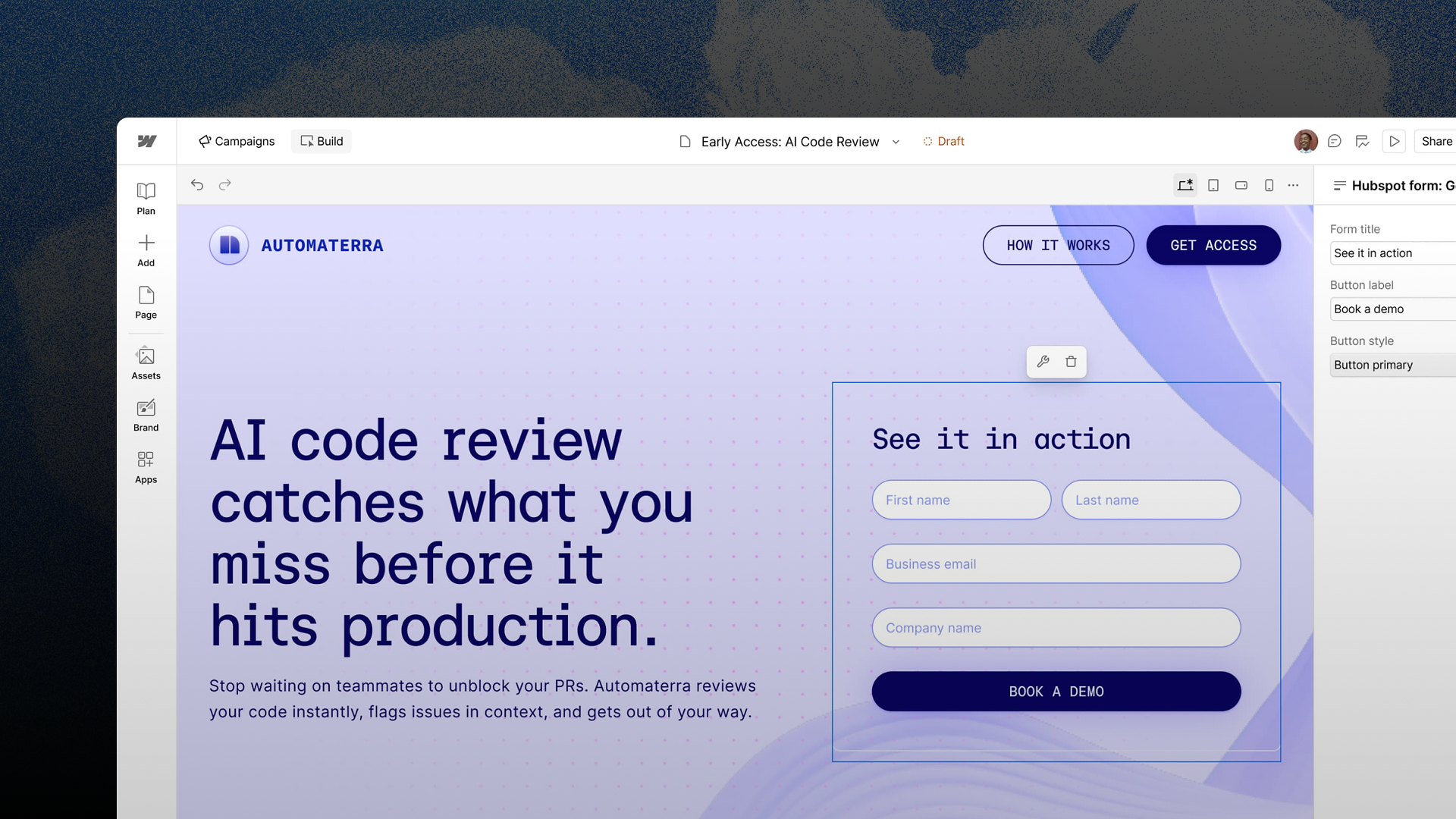
Webflow is launching a product for performance marketers. Landing pages, audience-specific variants, ad creatives, and distribution—all in a matter of hours. Here’s what was announced, and the two areas where we have reservations.
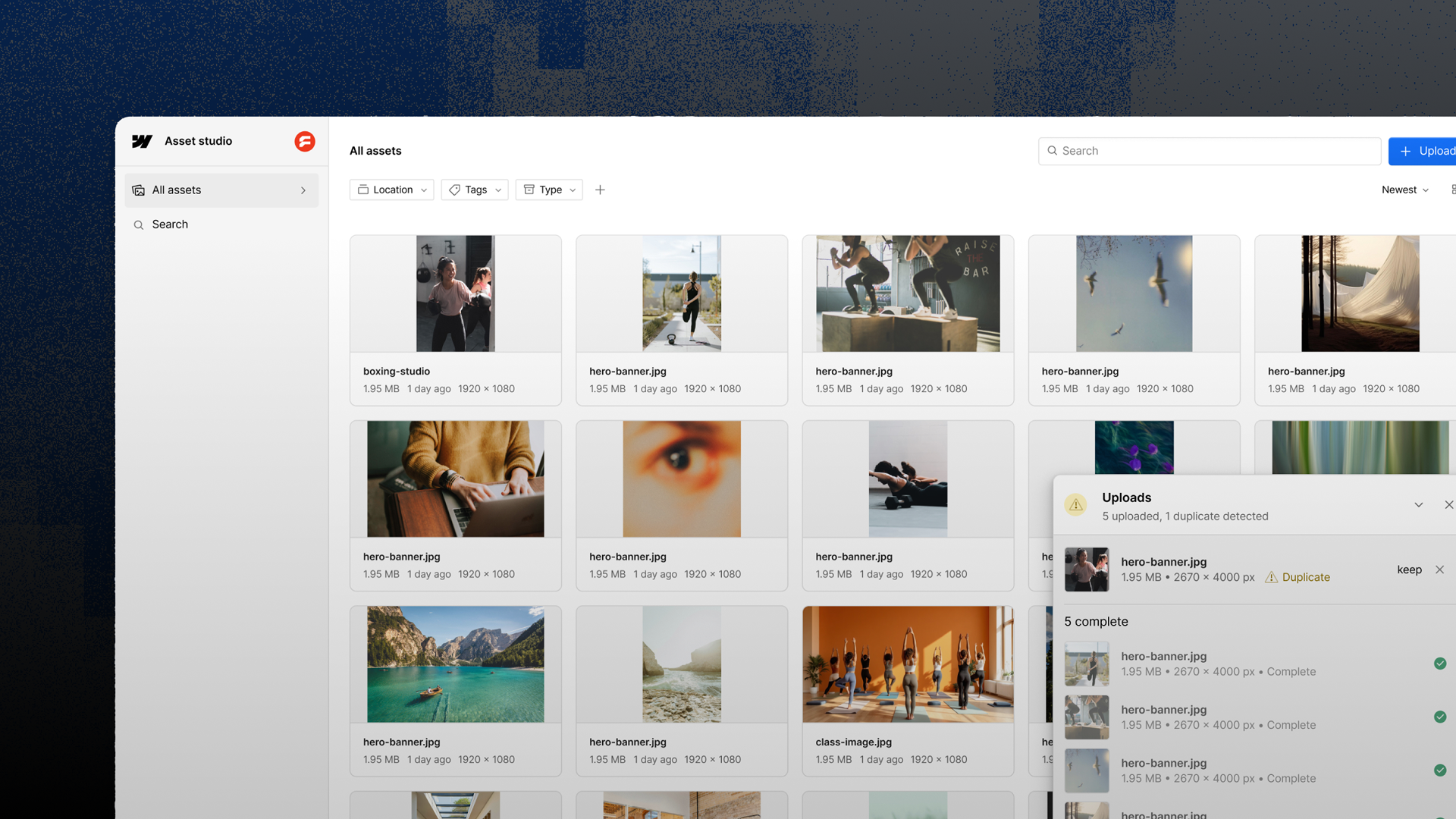
Webflow aims to produce and adapt your visuals and videos while staying on-brand. The technology comes from an acquisition. The beta is announced for October, or early 2027, depending on the source.
Webflow has released a new product. Not a feature, a product. We were in Boston when the announcement dropped. Here is everything that was said, what we think about it, and the six questions that remain.
Seven new features announced at the Builder Keynote: CMS components, breakpoint canvas, popovers, and agentic translation. Here are the details and our take.
flowConf 2026: What really stuck with us. AEO, AI, the future of agencies. 400 experts, 0 certainties, and conversations that were well worth the trip.
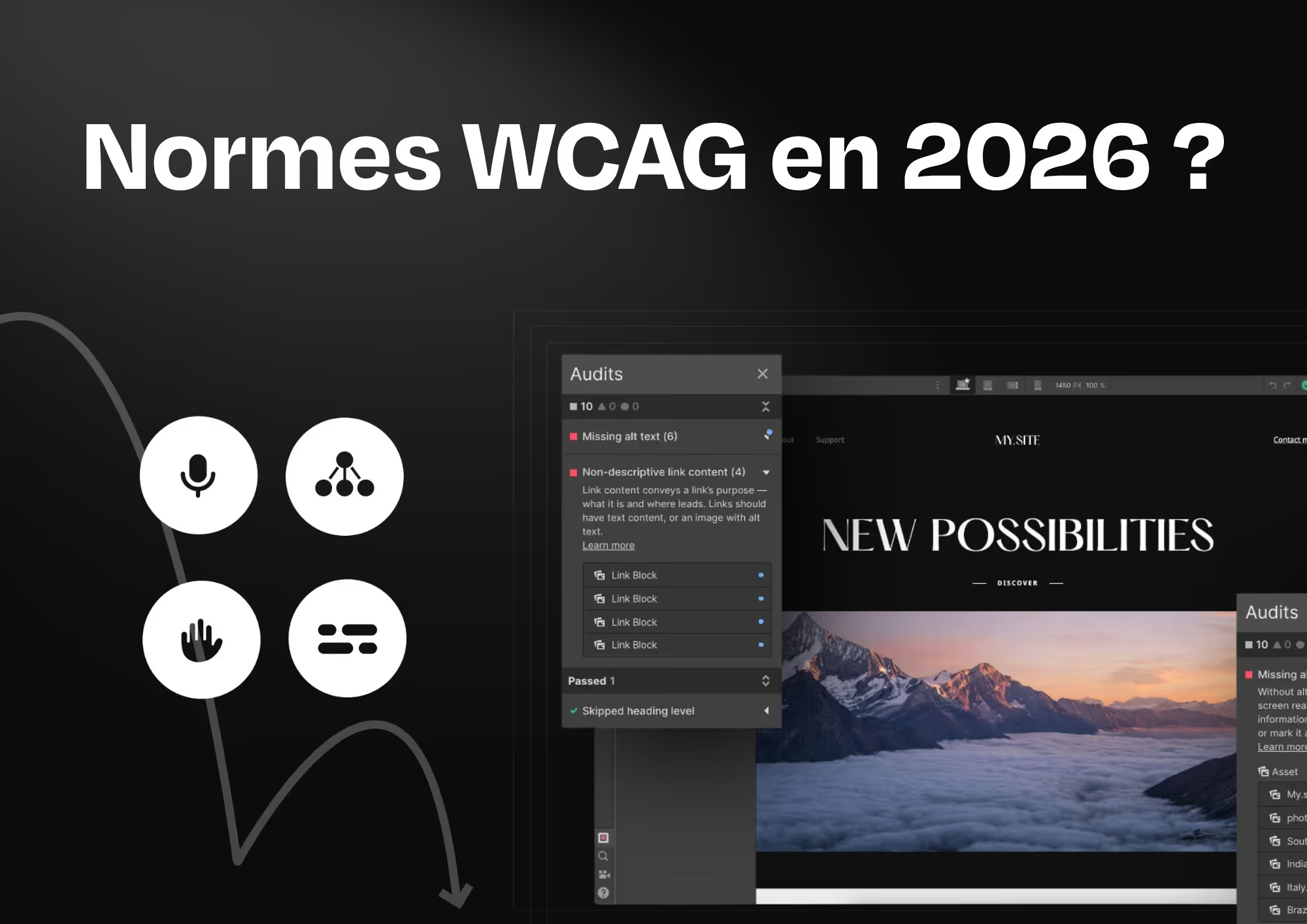
The WCAG (Web Content Accessibility Guidelines) are the international standards that define how to make a website accessible to everyone. Since June 2025, the European Accessibility Act has made these standards mandatory for private companies in Europe, including Belgium, under penalty of sanctions of up to 200,000 euros per violation.
We-R joins the Webflow Global Leaders program through Thibaut, founder of the agency. A recognition that goes beyond one person and reflects what we have been building for several years: a strategic vision of Webflow, at the service of marketing teams, in Belgium, Brussels and Europe.
A comprehensive comparison of the best Webflow agencies in 2026: strategies, budgets, and use cases to help you choose the right partner for your marketing goals.
Nearly 60% of searches are zero‑click. Learn how to adapt your SEO, AEO, GEO, and llms.txt to continue generating qualified leads in 2026.
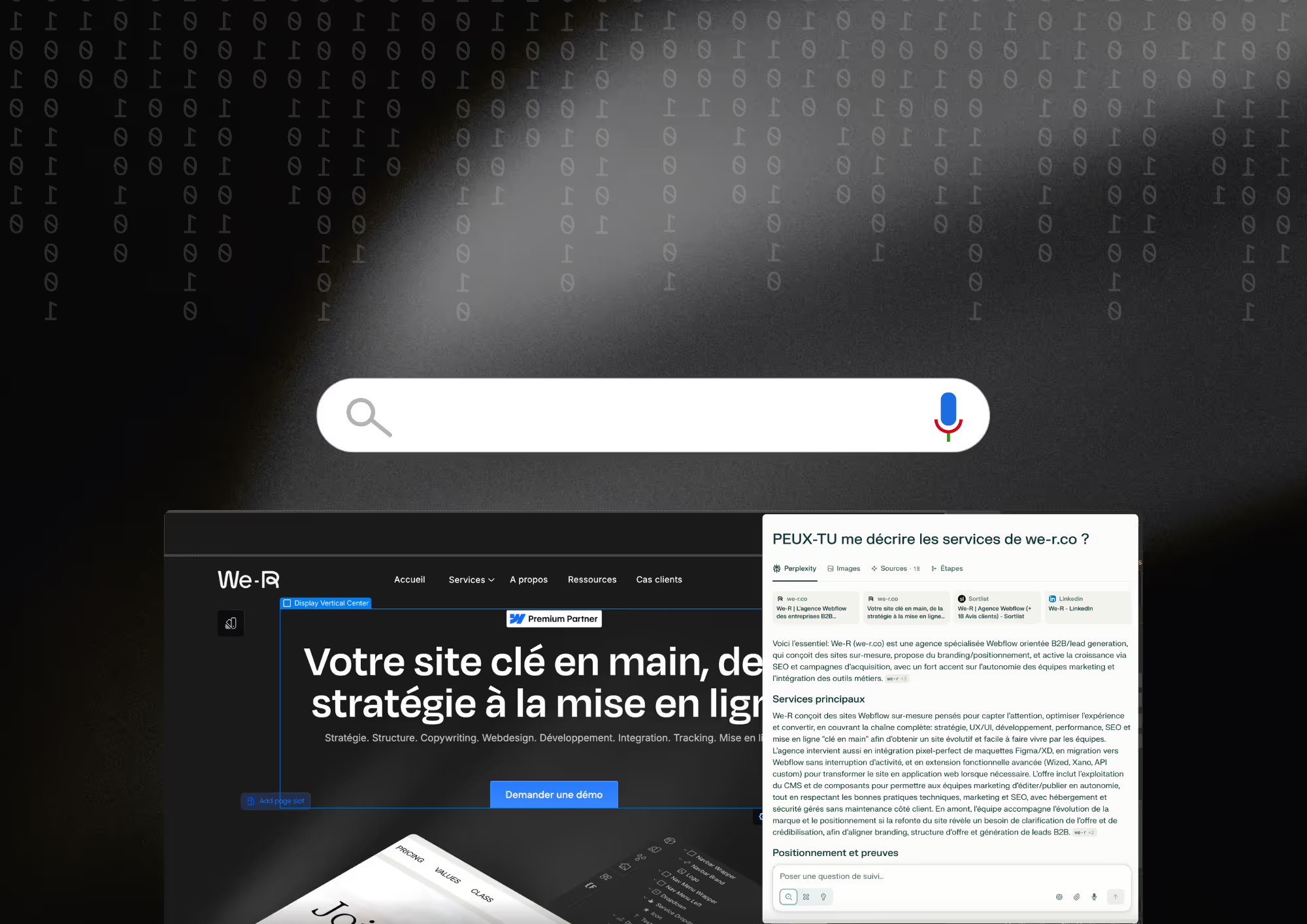
Search engines are becoming answer engines. Here’s why your website now needs to be understood by AI, not just ranked on Google.
A B2B website is no longer just about presenting a company. It must clarify the offer, guide decision-making, and become a true marketing lever.
Redesigning your website isn’t always the solution. Before launching a redesign, ask the right questions to turn your site into a true business lever.
The real problem with a B2B website is (almost) never the design. Before redesigning your site, ask the right strategic questions to turn it into a real business lever.
Webflow just released App Gen in Beta. Here’s what changes, what you can realistically expect, and the questions worth keeping in mind.
SEO isn’t dead, it’s evolving. Search engines are becoming answer engines. Discover how AEO, AIO, and GEO are changing the game for marketing teams.
The Webflow Conference just wrapped up: AI, real-time collaboration, and a new CMS are shaking up web creation for agencies.
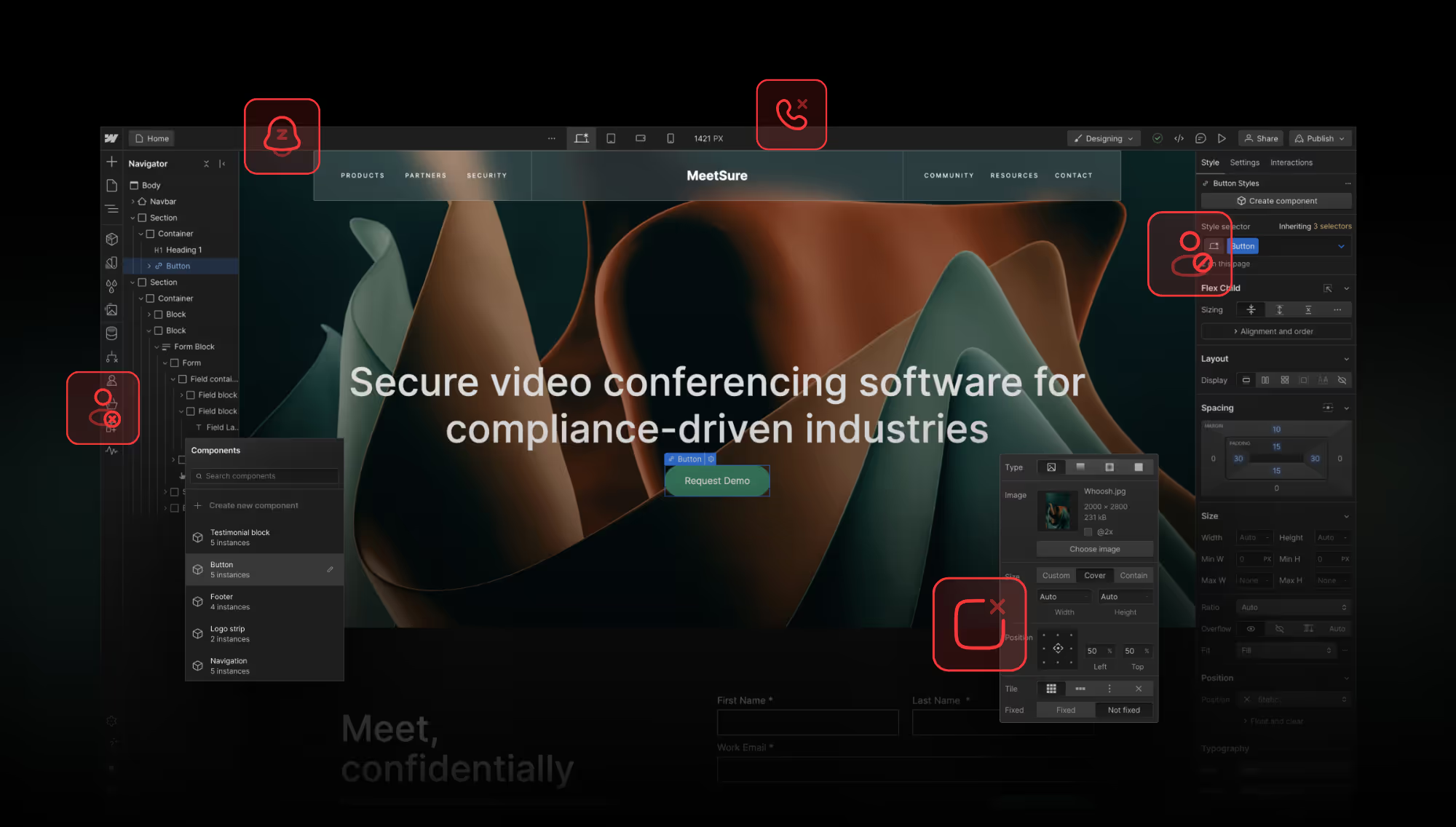
AI, conversational agents, and immersion: the website is entering a new era. Here is what CMOs need to anticipate.
Move faster, publish better, and stop depending on others. Webflow makes it possible, if you start with the right foundations.
LinkedIn, the leading professional networking platform, has officially removed its contact synchronization feature. Here's what that change means and why it matters for your business relationships.
When deciding between WordPress and Webflow, the right choice depends entirely on your project’s goals, technical requirements, and internal resources. In this article, we’ll break down the key differences between both platforms, so you can make an informed, strategic decision for your website.
In this article, we will try to enlighten you on the average prices of an SEO strategy, depending on the actions put in place.
The cost of a website can vary widely depending on several factors including the type of site, your business objectives, the number of pages, and the level of design and customization required. In this article, we'll break it down and give you a clear idea of typical price ranges for the most common types of websites.
In 2025, data from Yandex's algorithm was leaked and quickly spread across the web. The leak revealed some surprising insights. Here's what we discovered.
The list of the 7 most common SEO mistakes and how to avoid them to optimize your SEO and boost your online visibility.
Webflow invoices for two distinct elements: your team environment (Workspace package) and each published website (Site package). This article explains the key differences, what each formula covers, and how to figure out which one you really need.
Proration is Webflow's way of making sure you're never overcharged or undercharged when you upgrade, downgrade, or switch billing frequencies mid-cycle. This guide explains exactly how the math works, where proration appears on your invoices, and what it means for agencies managing multiple client sites.
Client Payments lets you hand off Site plan hosting costs to your client without losing Designer or Publishing Access. This step-by-step guide covers everything from prerequisites to sending the request, confirming acceptance, and managing the subscription going forward.
If your invoices show the wrong company name, missing VAT number, or an outdated billing address, you can fix all of it directly from your Workspace billing profile. This guide explains what you can change, how to do it, and what to do if you need to correct a past invoice.
Whether your card expired, you switched banks, or you just want to use a different payment method, you can update your Webflow billing card directly from Workspace settings. This guide walks you through the process, explains what happens to upcoming charges, and covers what to do if your new card keeps getting declined.
Webflow's standard policy is that subscriptions are non-refundable, but there are specific situations where a refund or billing adjustment may be granted. This guide explains when you're likely to be eligible, how to submit a request to Support, and what alternatives exist if a cash refund isn't possible.
Every time you downgrade, switch billing frequencies, or receive a billing adjustment in Webflow, a credit is added to your Workspace balance. This guide explains how credits are calculated, where to find them, how they're applied to future invoices, and whether you can get them refunded as cash.
Webflow is required to collect sales tax, VAT, or other consumption taxes depending on where you're based. This guide explains how tax is calculated, what rates apply in the US and EU, how to enable VAT reverse charge as a business, and how to handle tax exemptions.
Whether you cancel a plan manually or it expires due to non-payment, Webflow follows a predictable sequence of events that affects your billing, your live sites, and your data. This guide explains exactly what happens — and what you need to do before cancelling to avoid losing anything important.
Seeing a charge from “WEBFLOW” or “Stripe for Webflow” on your bank statement that you don't recognize? This guide walks you through a systematic checklist to identify the charge before taking any action — and explains exactly what to do if you still can't trace it after investigating.
When a Webflow payment fails, you enter a grace period before your sites go offline. If you fix the issue in time, Webflow may offer a grace period discount as a thank-you. This article explains what it is, when you're eligible, how it's applied, and what to do if you didn't receive it.
Webflow has offered several discount programs over the years, but not all of them are still available. This guide gives you a clear picture of which discounts are active, which have been deprecated, and what your alternatives are if you no longer qualify or your discount has expired.
Webflow Client Payments lets agencies and freelancers transfer Site plan hosting costs directly to their clients, with Webflow billing the client automatically each month. This guide explains how Client Payments works, how it differs from the deprecated Client Billing system, and when to use each approach.
Whether you want to save money by switching to annual billing or need more flexibility with monthly payments, Webflow lets you change billing frequency at any time for both Workspace and Site plans. This guide walks through the process step by step and explains exactly what happens to your current billing cycle when you make the switch.
Seeing an unexpected charge on your Webflow invoice labeled “bandwidth overage” or “traffic limit exceeded”? This article explains why it happened, how overage fees are calculated, and what you can do to prevent it from happening again — including upgrading your plan or enabling surge protection.
Not sure what you're actually paying for on your Webflow bill? This guide walks you through the Billing page, the Next Bill summary, and the All Invoices View so you can see exactly what every charge covers — hosting, seats, add-ons, add-ons, taxes, and more.
A failed Webflow payment can take your sites offline if you don't act quickly. This guide covers the most common reasons payments fail, how to fix them step by step, and how to prevent it from happening again — including a special section for agencies using Client Payments.
Just got a “payment failed” notification from Webflow? Don't panic. This quick-action guide walks you through exactly what to do right now to fix the issue, keep your sites live, and avoid it happening again.
Webflow billing covers Workspace plans, Site plans, headquarters, and extensions — all managed from a single billing entity at the Workspace level. This guide explains how each layer works, what you're actually paying for, and how that impacts agencies, freelancers, and internal teams.
Webflow centralizes all invoices related to your Workspace and Site formulas in the same place. This guide explains where to find them, how to download PDFs, and where to access template purchase invoices.


.avif)
%20We-R%20Blog.avif)




.avif)

.avif)
.avif)


.avif)










.svg)




















%2520in%2520Webflow.avif)
%2520for%2520Webflow%2520subscriptions.avif)


%2520and%2520which%2520are%2520deprecated.avif)

.avif)

.avif)


